Power BI Mastery in Business & Data Analytics
About Course
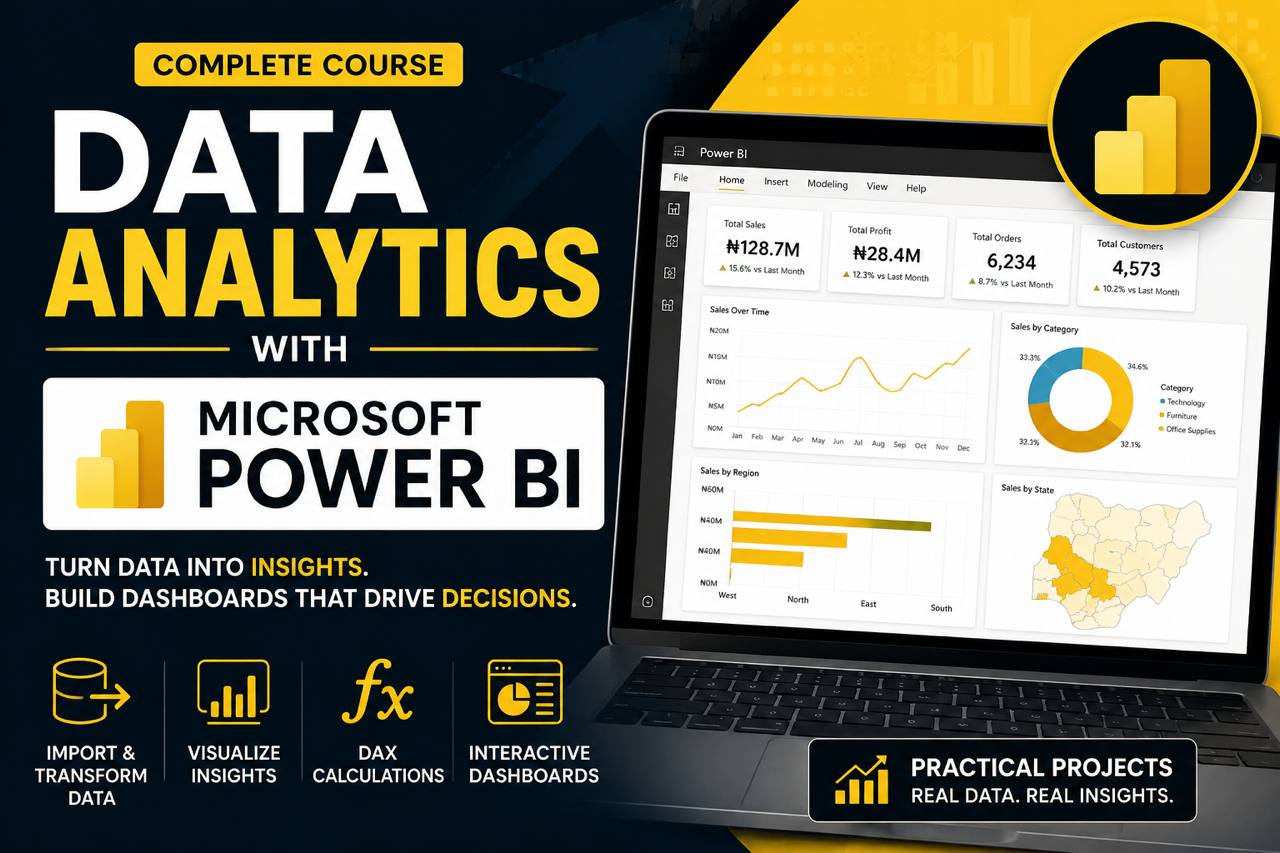
Learn how to transform raw data into meaningful insights and interactive dashboards using Microsoft Power BI. This practical course takes you from the fundamentals of data analytics to building professional reports that support real-world business decisions.
You’ll learn how to clean and transform data with Power Query, model data effectively, write DAX calculations, create interactive visualizations, and build professional Power BI dashboards. You’ll also work with real-world datasets and develop the analytical thinking needed to turn business questions into actionable insights.
By the end of the course, you’ll have the practical skills to analyze data, communicate findings effectively, and build portfolio-ready Power BI projects that demonstrate your abilities to potential employers or clients.
You’ll learn:
- Data analytics foundation
- Importing and connecting data in Power BI
- Data cleaning and transformation with Power Query
- Data Modeling and relationships
- DAX fundamentals and advanced calculations
- Data visualization and dashboard designs
- Creating interactive reports
- Business Intelligence and KPI analysis
- Publishing and sharing Power BI reports
- Building real-world portfolio projects
Perfect for: Beginners, students, graduates, aspiring data analysts, business professionals, and anyone looking to develop practical data analytics skills with Power BI.
Course Content
MODULE 1 (Click to see content): Introduction to Microsoft Power BI
-
What is Data Analytics (Descriptive vs Diagnostic vs Predictive vs prescriptive)
06:48 -
Where Power BI fits in the BI ecosystem (vs excel, tableau, looker)
-
Power BI components: Desktop, Service, Mobile, Report Builder
08:53 -
Installing Power BI Desktop
03:47 -
Tour of the Interface: Report view, Data view, Model view, ribbon
17:01 -
Intro to Power BI quiz
MODULE 2 (Click to see content): Getting data in (Power Query Basics)
MODULE 3 (Click to see content): Data Modeling
MODULE 4 (Click to see content): Data Analysis Expressions (DAX)
MODULE 5 (Click to see content): Data Visualization
MODULE 6 (Click to see content): Dashboard, Publishing, Sharing and Guided Project
Student Ratings & Reviews
